
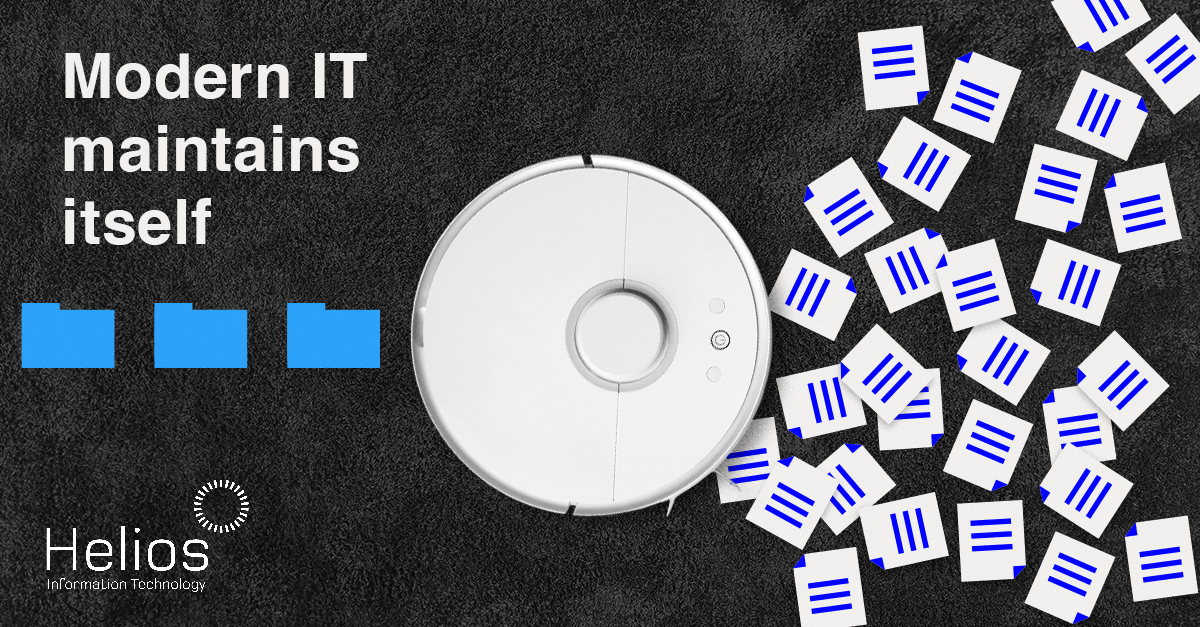
A partner at a midsize accounting firm saw that a senior team member was spending about six hours a week transferring client data between systems.
Six hours a week adds up to over 300 hours a year—almost two months of workdays.
After automating that step, employees kept their jobs and gained almost a full day each week to better serve clients and build stronger relationships.
Most businesses face this issue, not due to inadequate technology, but because manual work goes unchallenged.
Automation doesn’t always require a complete system upgrade, though many people think it’s complicated or just for businesses with big budgets and dedicated IT staff.
The most effective automations are simple shortcuts that eliminate daily friction.
However, automation intensifies your existing setup; unclear processes or disconnected tools can create more confusion rather than solve it.
When implemented effectively, automation streamlines tasks and reduces complexity in the workplace.
Where both time and money seem to vanish
If an analysis were conducted of your team’s daily activities from beginning to end, what portion would be allocated to tasks that are unnecessary?
In most workplaces, time is lost through everyday routines, not major setbacks.
By mid-afternoon, duplicate entries for the same client information have already occurred. A new employee is delayed because onboarding steps are scattered across various locations. Meanwhile, an approval request remains overlooked in someone’s inbox.
On their own, each may appear insignificant. However, collectively they impede progress, add to payroll expenses, and divert experienced team members from tasks that advance the company.
Since this doesn’t appear in reports, leaders rarely notice its impact. Nevertheless, it’s a daily occurrence—and automation offers a way to make real progress.
Efficient automation shortcuts
Automation yields the highest return when applied to tasks that don’t need skilled workers.
Routine tasks take up more time than expected; simplifying them brings instant relief.
The aim is not full automation but removing tasks that slow you down each day.
These are not shortcuts in the conventional sense of bypassing essential steps; rather, they represent strategic choices regarding prioritisation.
Shortcut #1: Remove redundant data entry
Entering customer or vendor details multiple times wastes time and increases errors, leading to additional checks and hidden costs.
By enabling automatic data sharing between systems, you eliminate redundancy and achieve greater precision simultaneously.
Business impact: Gain billable hours, minimise corrections, and make better decisions with cleaner data.
Shortcut #2: Simplify frequent internal requests
Frequent pauses for password resets or access approvals disrupt concentration and fragment focus during the day.
Basic automation enables these requests to progress without the need for ongoing manual oversight.
Business impact: Faster responses, less internal friction, and skilled staff focus on valuable tasks.
Shortcut #3: Streamline onboarding and offboarding processes through automation
A well-organised approach helps onboarding stay consistent and offboarding remain complete and quick. If either process depends on recollection or disorganised lists, important steps can be missed.
Automation guarantees that appropriate actions are executed systematically and with consistent reliability.
Business impact: By enhancing security, streamlining administration, and supporting new hires, you enable them to achieve productivity more quickly.
Shortcut #4: Use smart alerts instead of manual checks
Regularly checking reports is essentially waiting for problems to occur. +++++++
Smart alerts shift the focus. Instead of watching systems, you’re notified when attention is required.
Business impact: Streamlining monitoring processes minimises unnecessary effort and enhances your capacity to promptly address genuine concerns.
Shortcut #5: Create consistency in routine operations
Inconsistent approaches to routine tasks can lead to variability that negatively impacts customer experience.
Automation ensures every step follows a consistent process.
Business impact: Gain predictability, ease training, and reduce avoidable mistakes.
Identifying suitable areas for automation
You can easily spot what’s holding back your business without being an expert in automation.
Many organisations overlook automation opportunities found in delays, recurring frustrations, and manual errors that need fixing.
Start by asking yourself some questions:
- In which areas does work experience unnecessary delays?
- Which tasks most frustrate employees?
- In what situations do errors occur as a result of manual work?
Automation works best for repeatable, rule-based processes.
The objective is to eliminate redundant tasks, rather than implementing technology without a clear purpose.
The Value of an IT Guide
Organised IT environments make automation a straightforward enhancement, not just another task.
The true difficulty lies not in automating tasks, but in recognising which ones should be automated. Identifying appropriate opportunities is more important than simply grasping how automation works.
Experience offers greater value than simply viewing a software demonstration. An effective IT advisor begins by establishing clarity rather than focusing on tools. They analyse the workflow within your business, identify areas where manual processes hinder efficiency, and streamline systems prior to recommending automation solutions.
Automation is meant to make things smoother, not create additional obstacles.
Reduce workload, not increase with Automation
Automation is not pursued merely for the sake of change; rather, it is implemented to eliminate subtle inefficiencies that consistently result in lost time and increased costs.
Effective shortcuts operate silently, remove redundancy, limit disruptions, and prevent minor mistakes from escalating.
A clean IT foundation is essential. Choosing the right partner early helps identify inefficiencies, prevent costly rework, and enable scalable automation.
Looking to save time through automation? Organise your IT environment first.
Arrange a short 10‑minute introductory call with our team.